Meta Ads Campaign Builder & Direct Publishing
Move from your creative and campaign plan to a Meta launch in one workspace. Set the objective, targeting, budget and schedule, review the ads, and confirm publishing to Facebook and Instagram.
Product Preview
- 01Product
- 02Creative
- 03Launch
Product URL
Reads the page for images, price, and brand voice.
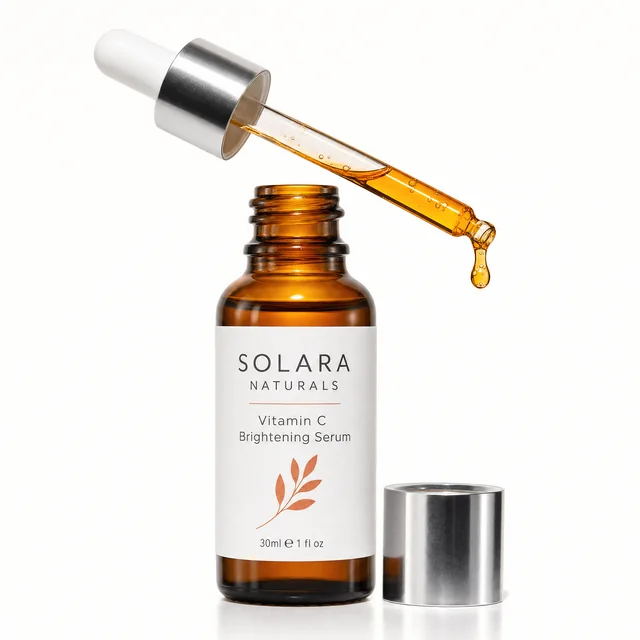







Real creatives generated by AdRiseLab.
How It Works
Set Up the Campaign
Choose the connected Meta account, campaign name, objective and structure for the result you want to pursue.
Configure the Ad Set
Review the destination, audience, budget, schedule and supported tracking settings before choosing your creatives.
Review Creatives & Launch
Select your image or video ads, check the copy and preview, then confirm launch. The campaign, ad set and ads are created with ACTIVE status in Meta.
When you confirm launch, the campaign, ad set and ads are created in Meta with ACTIVE status. Delivery depends on Meta review, your schedule, budget and account eligibility. Review the settings before confirming; this is not a paused draft.
The AdRiseLab workflow
From account data to your next campaign
- 01
Understand performance
Review spend, delivery and response in your connected Meta account.
- 02
Decide what to do next
Ask the AI agent to investigate a change and explain the evidence behind a proposed action.
- 03
Build the next creative
Turn a product input and test hypothesis into visual and copy concepts.
- 04
Publish to Meta
Review the campaign settings and confirm launch, then follow the results in reporting.
- 05
Measure the revenue
Connect your store and credit each order back to the visit and the campaign that produced it.
3-Step Campaign Wizard
Prepare a campaign, choose the creatives, and review the launch. Set the objective and campaign structure, configure the ad set, then confirm the ads to publish.
Campaign Objectives
Choose between Traffic, Leads, or Sales objectives. The builder prepares the corresponding optimization and billing settings for review.
Geographic Targeting
Target 11+ countries (US, UK, Canada, Australia, Germany, France, Netherlands, Spain, Italy, Brazil, Turkey) plus unlimited custom city-level targeting for precise audience reach.
Flexible Budget Control
Set a supported daily or lifetime budget in the selected account currency. Review the amount and schedule before confirming launch; Meta validates the campaign settings.
Campaign Scheduling
Set precise start and end dates for your campaigns. Schedule launches in advance and control exactly when your ads start and stop running, perfect for seasonal promotions and product launches.
Direct Meta Publishing
One-click publish creates your campaign, ad set, and ad directly in Meta. Campaigns, ad sets and ads are created with ACTIVE status after you confirm launch. Direct link to Ads Manager included.
Launch your first campaign in minutes
Connect your Meta ad account and create your first AI-powered campaign.
Get StartedPlans from $39/mo · Cancel any time · Review settings before confirming launch
Frequently Asked Questions
How do I launch a Meta ads campaign quickly?
What campaign structure should I start with?
How much budget do I need to exit the learning phase?
Will campaigns go live automatically?
Can I duplicate a winning campaign structure?
Explore Other Modules
Continue through the AdRiseLab workflow without returning to the home page.
Creative Generation
Turn URLs into AI-generated ad creatives
AI Ad Copy
Claude-powered ad copywriting
Account Analytics
Connected Meta account performance
Revenue
Shopify orders credited back to the ad
Performance Reports
Campaign results and creative-health review
Competitor Intelligence
AI-powered Ad Library analysis
AI Video Ads
UGC avatars and cinematic product videos
AdFlow UGC
AI creator-style UGC ads, no creators
AI Media Buyer
Investigate results and review next actions
See It Applied to Your Setup
How teams like yours run Meta ads, and what it costs to start.