Dropshipping Ad Maker: Product URL to Meta Ad Creatives
Turn a product URL or image into Facebook and Instagram ad creatives for your store. Build different hooks around the same product, review the visuals and copy, and publish approved ads to your connected Meta account.
Inside the AdRiseLab demo
See what a product-to-ad workflow looks like
The Solara sample set shows how a product reference can support different hooks and layouts. Compare the idea in each ad, not just its colors.
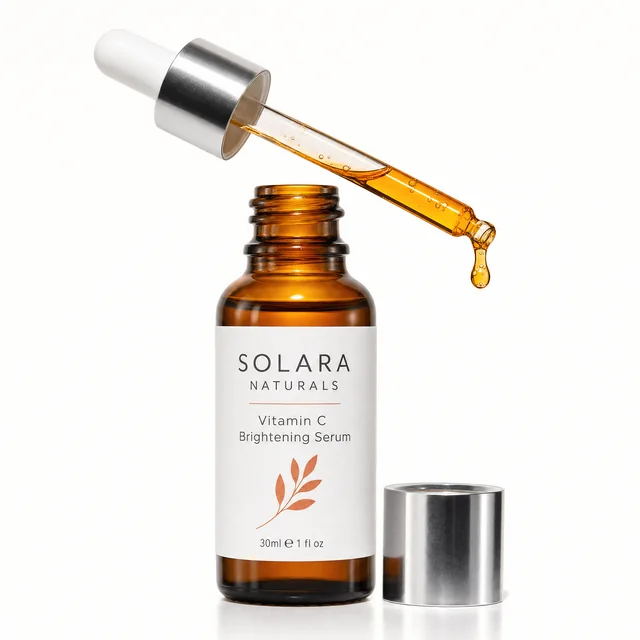
Product reference
Solara vitamin C serum
Start with your product page or an image you can use. Check the extracted product details, then choose the message and format for your next creative.

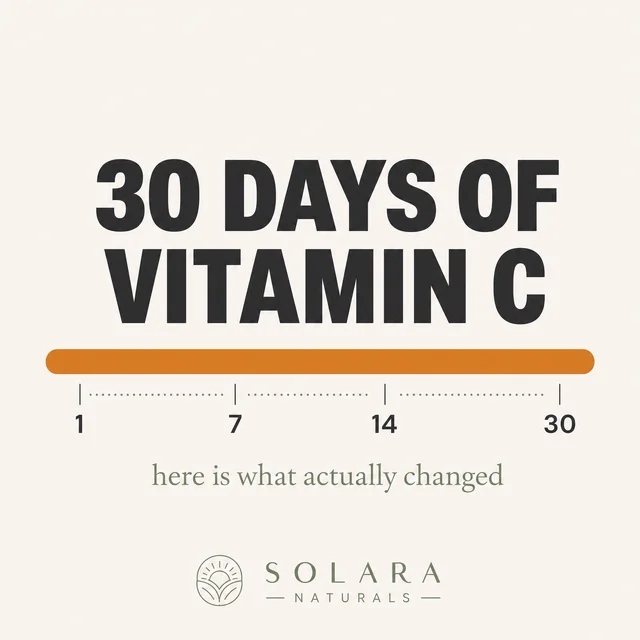
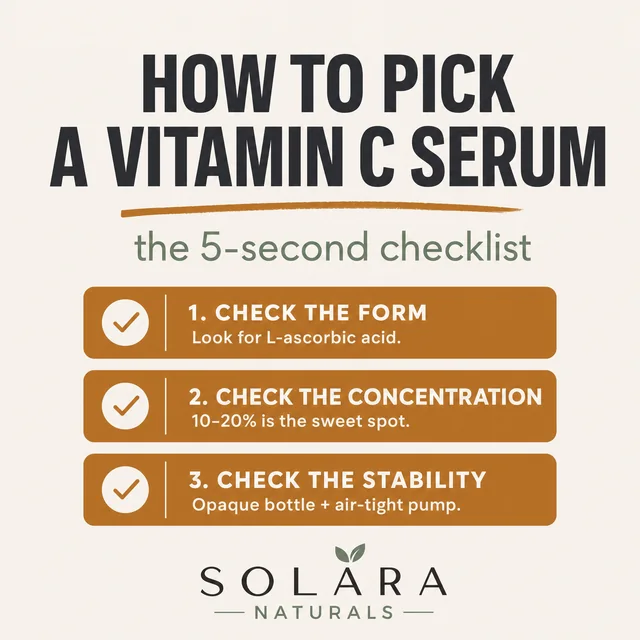
AI-generated demo creatives. Sample copy illustrates a layout; it is not verified customer testimony or measured ad performance. Use your own substantiated product claims before publishing.
From product input to an approved Meta ad
- 01
Add your product
Bring a product URL or image. Review the product, audience and offer before generating.
- 02
Create your variations
Choose a hook and visual direction. Review the generated images and copy together.
- 03
Review and publish
Connect Meta when you are ready to publish. Check the campaign, budget and placements; publishing requires your approval.
New ad test
Paste a product link
Three hooks, one product
Publish to MetaWatch the full product walkthrough
Choose an angle before making more variations
A different background is a design variation. A different reason to buy is a new hypothesis. For your next product test, write down the buyer, the problem, the product detail that matters, and the action you want someone to take.
| Angle | Show in the ad | Check before launch |
|---|---|---|
| Product detail | One feature and why it matters in use | The delivered item has that feature |
| Use case | The situation the product is made for | The scene represents realistic use |
| Offer | A specific bundle, price or shipping benefit | The offer matches the landing page |
Build the test around your margins
Before allocating spend, subtract product cost, shipping, payment fees and expected returns from revenue per order. That contribution margin gives you a starting point for the acquisition cost you can afford. A universal ROAS target cannot account for those differences.
For example, a $40 order with $25 in non-ad variable costs leaves $15 before ad spend and overhead. This is illustrative arithmetic, not a recommended budget or a result from AdRiseLab. Use your own costs and allow for attribution delays when reading results.
Keep the offer and landing page consistent when comparing creative concepts. Avoid changing price, audience, budget and visual at the same time if you want to understand what caused a difference. Our creative testing guide covers planning and reading those comparisons.
Image ads, video concepts and editable layouts
Use the AI Facebook ad generator for image and copy concepts. Explore AI Video Ads and AdFlow UGC for video and creator-style UGC ads. If you prefer to assemble a layout yourself, download the free static ad templates.
Refresh based on account evidence
When results change, compare the same CTR definition, date-window length and placements alongside purchases, acquisition cost and frequency. A creative does not expire on a fixed day. Use the Creative Fatigue Checker as an initial review aid, then confirm the cause in Ads Manager.
Deep Dive Articles
URL to 10 Meta Ad Creatives in 30 Seconds, Inside AdRiseLab's AI Creative Engine
Paste a Shopify, Amazon, or any product URL. Get 10 ad creatives with diverse hooks across 3 formats. Here is the 6-step pipeline, a worked example on a real skincare page, and the four cases where it breaks down.
Use CasesFrom 5 to 50+ Creatives Per Week: How E-Commerce Brands Scale Meta Ads with AdRiseLab
E-commerce brands need 50+ fresh Meta ad creatives per week to beat fatigue. Here's the exact AI workflow that makes it possible without a design team — from product URL to published ads in minutes.
IndustryCreative Rotation for Advantage+ Shopping Campaigns: A Practical Guide for 2026
Advantage+ Shopping gives Meta full control over delivery. But it also burns through creatives faster than any other campaign type. Here's how to manage creative rotation so your ASC campaigns stay profitable.
Use Cases5 Minutes vs 5 Days: AdRiseLab vs Manual Ad Creation (Full Cost & Performance Breakdown)
30 ad assets in 5 minutes vs 3-5 creatives in 7 days. The real cost, speed, and ROAS comparison between AI and manual ad creative workflows.
Frequently Asked Questions
What is a dropshipping ad maker?
Can I create ads from a Shopify product URL?
Can I use supplier photos in my ads?
How many creatives should I make for a product test?
Does AdRiseLab make dropshipping video ads?
Is the dropshipping ad maker free?
Turn Your Product URL into Meta Ads
Turn product-page inputs into diversified, Meta-ready ad concepts for e-commerce testing.
Get StartedPlans from $39/mo · Cancel any time