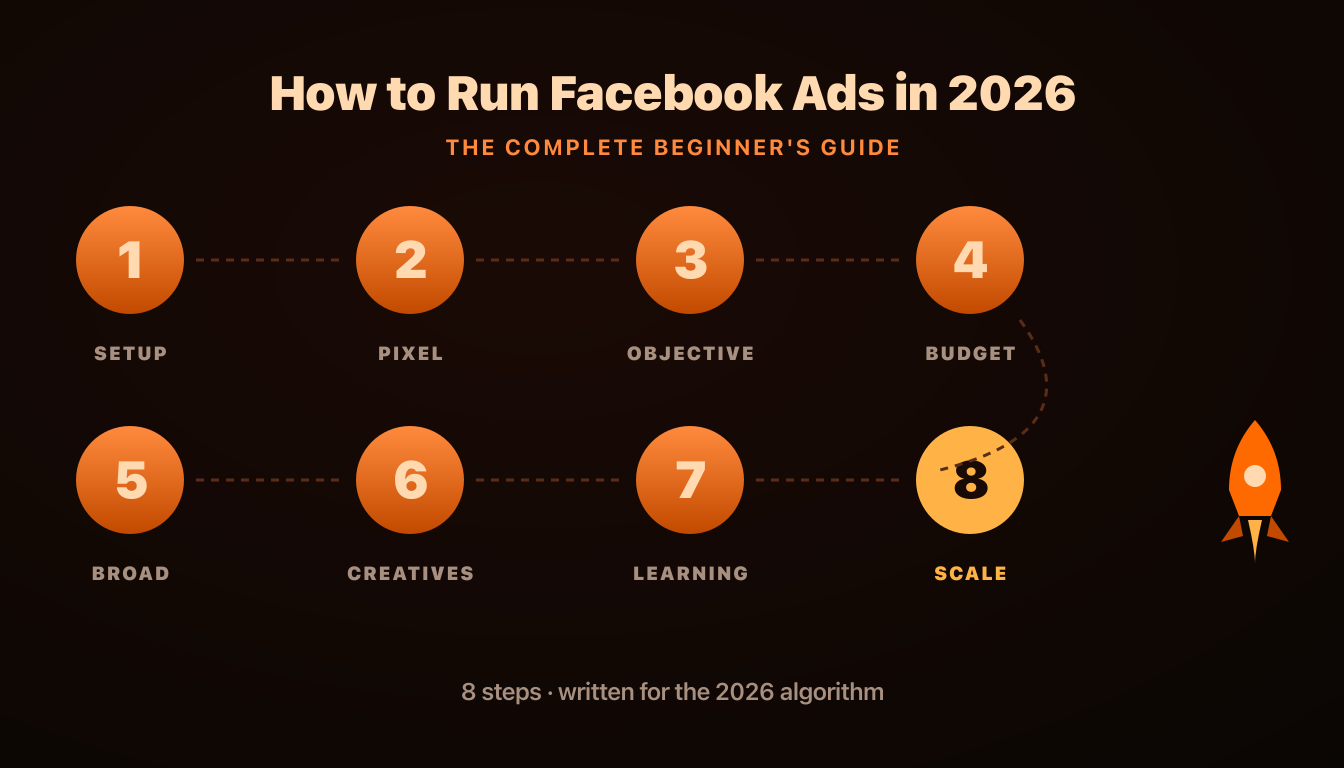
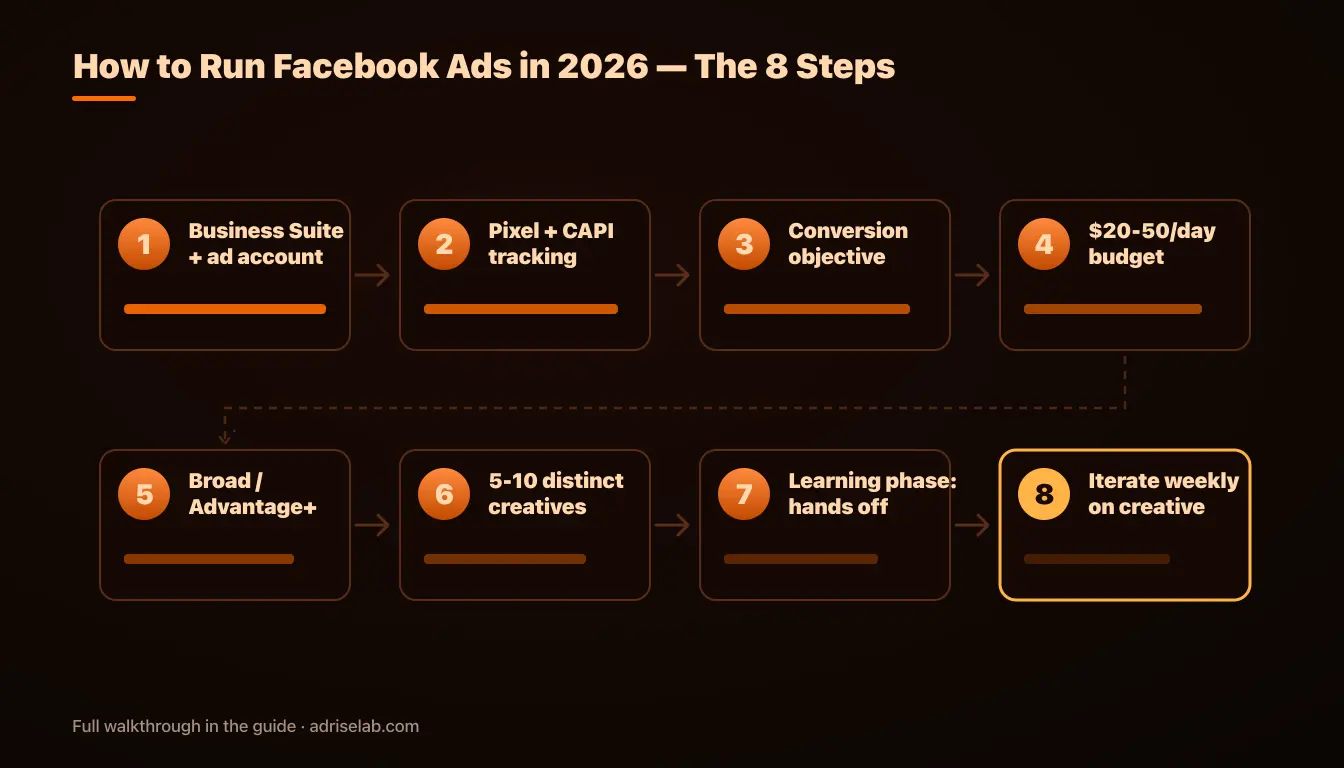
Running Facebook ads in 2026 comes down to 8 steps: set up your Business Suite and ad account, install tracking (Pixel + Conversions API), choose a conversion objective, fund it with $20-50/day, target broadly, launch 5-10 genuinely different creatives, sit on your hands through the learning phase, and then iterate weekly on creatives. This guide walks through each step in detail — written for how Meta's algorithm actually works in 2026, which is very different from the interest-targeting era most beginner tutorials still describe.
One framing note before step 1: the single biggest mindset shift for new advertisers is that your creatives shape who sees your ads. Meta's delivery system predicts how likely each person is to respond to each ad, so the visual style, hook and message of every creative affect who it reaches, alongside the audience settings you choose. Everything in this guide flows from that fact.
Step 1: Set Up Meta Business Suite and Your Ad Account
Go to business.facebook.com and create a Business portfolio (don't run ads from a personal account — you lose asset sharing, permissions, and recovery options). Inside it: add your Facebook Page (create one if needed), connect your Instagram account, then create an ad account, choosing your real currency and timezone — both are permanent. Add a payment method, and turn on two-factor authentication for every user. Compromised ad accounts with saved payment methods are a genuinely common disaster, and prevention costs two minutes.
Step 2: Install the Meta Pixel and Conversions API
Tracking comes before campaigns, because without it Meta optimizes blind. In Events Manager, create a Pixel (now technically a "dataset") and install it the easiest reliable way: native integrations for Shopify and WooCommerce, Google Tag Manager otherwise. Then enable the Conversions API (CAPI) alongside the browser Pixel — in 2026, browser-only tracking misses 20-30% of conversions to tracking prevention and ad blockers, and every missed conversion makes the algorithm dumber. Platform integrations enable CAPI with a toggle; the full setup is covered in our Pixel vs Conversions API guide.
Before spending a dollar, open the Test Events tool, run a test purchase or lead, and confirm the events arrive with the right values. Five minutes here prevents the most expensive category of beginner mistake: optimizing campaigns against broken data.
Step 3: Choose One Conversion Objective
In Ads Manager, hit Create and pick the objective matching the business outcome — Sales for e-commerce, Leads for services. Beginners are often advised to "warm up" with Traffic campaigns because clicks are cheap. Skip that: Traffic optimization trains delivery toward people who click everything and buy nothing, and the cheap clicks become expensive lessons. If you sell things, optimize for purchases from day one, even though early CPAs look scarier.
For e-commerce specifically, the Advantage+ Sales campaign type is the right default in 2026 — it automates the structural decisions and leaves you the inputs that matter: budget, creatives, and tracking quality.
Step 4: Set a Budget the Algorithm Can Learn On
Meta's delivery system needs roughly 50 conversion events per ad set per week to exit the learning phase and stabilize. Work backwards: if a conversion costs ~$30 in your vertical (see current CPA benchmarks), 50 events means ~$215/day — more than most first budgets, which is fine. The practical floor is $20-50/day on a single campaign: learning takes longer but completes. What doesn't work is $10/day split across three campaigns; concentration beats coverage at small budgets, always.
Step 5: Go Broad on Targeting
This is where 2026 reality diverges hardest from older tutorials. Skip detailed interest targeting, skip 1% lookalikes, skip stacked behavioral filters. Set country, a sensible age range, and stop. Broad targeting gives the algorithm more room to use your creative signals as it looks for buyers, which makes it a sensible starting point to test against a narrower control once your campaign has conversion data. Narrow audiences can cost more, because you're bidding repeatedly on an artificially scarce pool.
The legitimate exception is retargeting — warm audiences of site visitors and past buyers get their own treatment later. For your first cold campaign: broad.
Step 6: Launch With 5-10 Genuinely Different Creatives
Most beginners launch with one or two ads. That's starting a race with the parking brake on: each distinct creative is a separate hypothesis about what your buyers respond to, and one creative means one hypothesis. Launch with 5-10 creatives that are actually different — different layouts, hooks, and visual styles, not one image with five headlines (near-duplicates test the same idea and teach you little, and Meta itself recommends creative diversification).
A solid starter set:
- Clean product shot with a benefit-led headline.
- Lifestyle/in-use visual showing the outcome, not the object.
- Text-overlay benefit ad that works without sound or context.
- Social-proof angle built on a review or rating.
- Problem/solution hook naming the pain in the first line.
- One 9:16 vertical version of your best concept for Reels and Stories — sized per the 2026 spec sheet.
If producing ten distinct ads sounds like the bottleneck, that's the exact problem AdRiseLab exists for: paste a product URL, get 10 creatives with different hooks and angles in all three formats in about 30 seconds, then review them before anything goes live.
Step 7: Leave It Alone Through the Learning Phase
The hardest step, because it's about not acting. For the first 3-7 days your campaign will look erratic — a $20 CPA Monday, $60 Tuesday. That's the algorithm exploring. Every significant edit (budget jumps over ~20%, new audiences, swapped creatives) resets learning and restarts the clock. The discipline: check tracking is firing, then don't touch anything until the ad set approaches 50 conversions. The two valid early interventions are fixing broken tracking and stopping a campaign whose fundamentals (offer, landing page) were wrong at launch.
Step 8: Iterate Weekly — on Creatives, Not Targeting
Once stable, move to a weekly rhythm: pause clear losers (meaningfully worse CPA after enough spend to judge, roughly 2-3x your target CPA per creative), introduce 2-3 new creative angles based on what the winners share, and raise budget gradually — about 20% every few days, per the scaling framework. Watch for creative fatigue from week two onward: winning ads decay within 2-4 weeks at most budgets, and the accounts that stay profitable are the ones replacing creatives before the decay, not after.
What you should not do weekly: re-slice audiences, chase new targeting hacks, or rebuild the campaign because of one bad day. In 2026, sustained Meta ads performance is a creative-production discipline with a media-buying wrapper — which is why the next skill to build after your first campaign is a repeatable creative pipeline.
The Beginner Mistakes That Cost the Most
Ranked by budget destroyed:
- 1.Judging campaigns in 48 hours. Learning-phase noise reads as failure; real signal needs 50 conversions.
- 2.Launching with 1-2 creatives. One hypothesis, no diversity, expensive delivery.
- 3.Optimizing for Traffic "to warm up." Trains the algorithm to find clickers, not customers.
- 4.Narrow interest targeting without a test. 2019's best practice has to beat broad in your own account before it earns budget.
- 5.Editing daily. Every reset restarts learning; impatience compounds.
- 6.No CAPI. Missing 20-30% of conversion signal handicaps everything downstream.
Ready to skip the creative bottleneck on day one? AdRiseLab turns your product URL into 10 launch-ready creatives with different hooks and angles in 30 seconds — in every format Meta needs. Nothing goes live until you approve it. Get started with AdRiseLab — plans from $39/mo, cancel any time.
Related Reading
Next steps after your first campaign: how the Andromeda algorithm decides who sees your ads, how to exit the learning phase faster, what Facebook ads cost in 2026, and how to structure your account as budgets grow.